Listen for the Signature
Linear, tactile and clicky switches each create a different event. Spring return, stem contact and housing movement all contribute to the note you hear.
Compare switch profiles →A keystroke can arrive as a crisp tick, a rounded thock or a bright, ringing note. That impression is not made by one part alone. Follow the sound from switch behavior through case, plate and foam—and make each build choice with your ears in mind.
Explore the Sound ProfilesUse the overview as a route: identify the signature, hear what the enclosure contributes, then decide which layers should soften or preserve it.
Linear, tactile and clicky switches each create a different event. Spring return, stem contact and housing movement all contribute to the note you hear.
Compare switch profiles →Plate stiffness, case material and internal volume can make the same switch sound more open, muted or resonant.
Explore construction →Foam, films and desk surfaces affect different parts of the sound. Add material with a purpose, not just by habit.
Learn about dampening →Turn preference into a repeatable recipe. Choose parts as a system, then tune the assembly in small, reversible steps.
Compose a custom build →Recorded sound tests can be useful, but they are not universal verdicts. Microphone distance, room reflections, keycaps and typing force all change what a clip suggests. Treat each listening sample as a clue about a particular assembly.
For a fair comparison, keep the board, key, recording position and force consistent. Then ask what changed: the switch’s contact note, the plate’s response, a case resonance, or the sound returning from the desk?
Our listening approach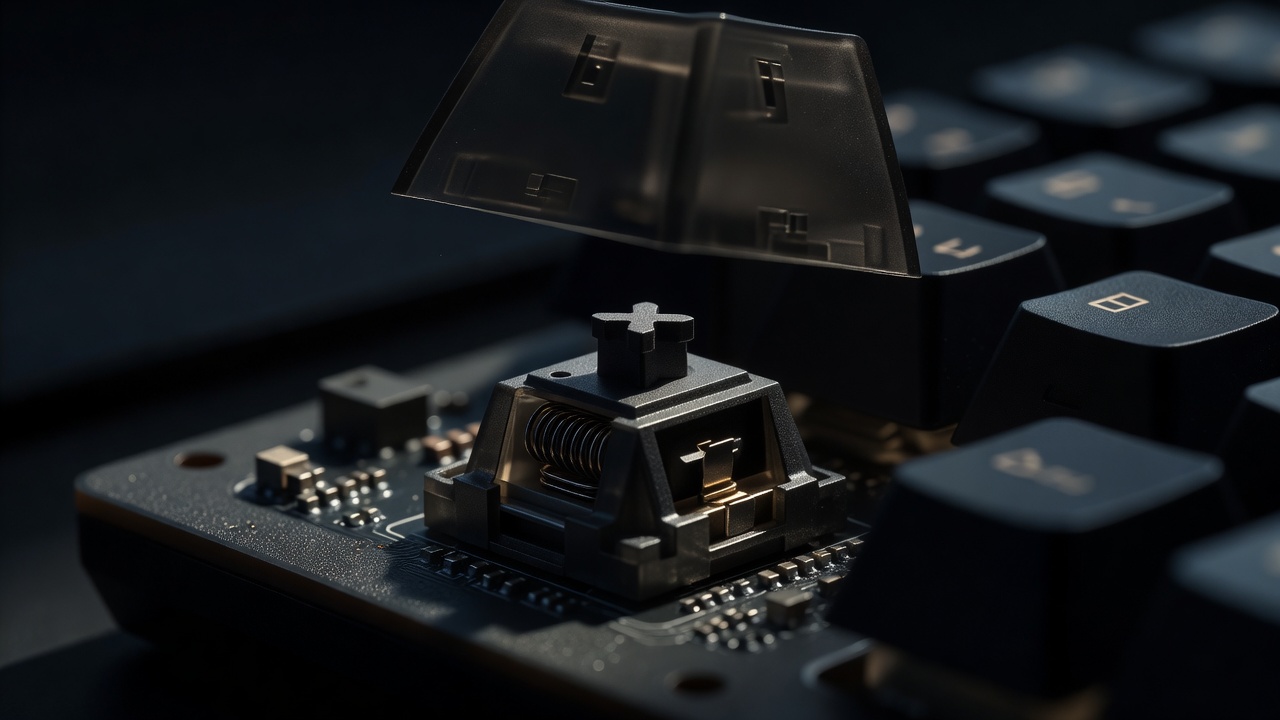
We use cookies
Essential cookies keep this site working. Optional ones help us see what is useful. You can change your choice at any time. Cookie policy