Shape the Sound, Layer by Layer
Dampening is not a blanket command to make every keyboard quiet. Each layer acts in a different place, and each changes the instrument’s response. Begin with the sound you want to adjust, then choose the smallest intervention that can address it.
Choose the layer that matches the sound
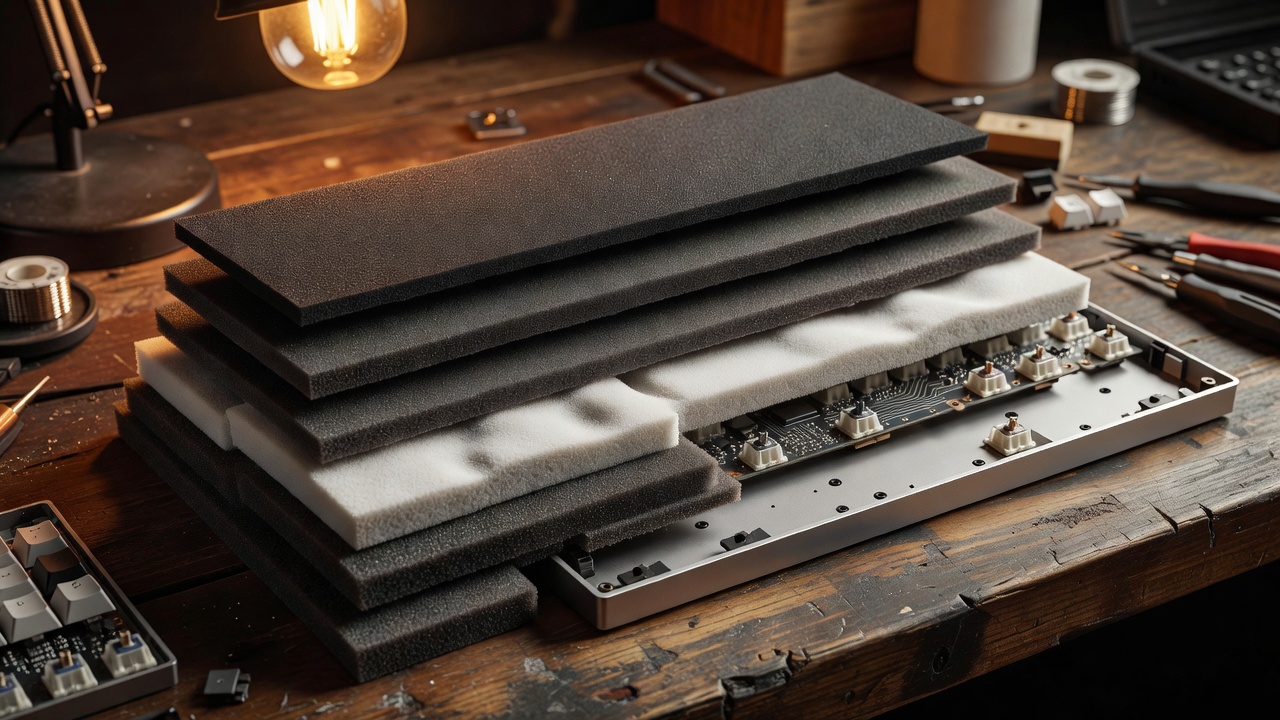
Case foam: reduce cavity emphasis
Foam between the case floor and internal assembly can reduce some hollow reflections. Fit matters: compressing the plate or forcing a tight assembly may change feel, create unwanted pressure or prevent the parts from seating correctly. Start thin and verify fit.
Plate layers: alter contact and tone
Poron, silicone or other compliant sheets between plate and PCB can change the character of impacts and reduce direct contact. Different materials have different resilience and compression behavior; placement and thickness are as important as the label.
Switch films: address housing movement
Films between switch housing halves can tighten a loose fit. They are not universal upgrades: a close-fitting switch may not need one, and opening switches adds time and handling risk. Test a few before committing to a full set.
Desk mats: soften the surface path
A desk mat changes how the case couples to the desk and can moderate reflections from a hard surface. It is easy to test and reversible, making it a useful early experiment.
Make a reversible tuning pass
Record a short baseline before opening the board. Note the key, typing force, desk surface and microphone position. Apply one change only, then repeat the same test. If the unwanted sound becomes less prominent but the board also loses a quality you enjoy, reconsider the trade-off. The aim is a considered voice, not maximum absorption.